
What Is a Residential VPN?
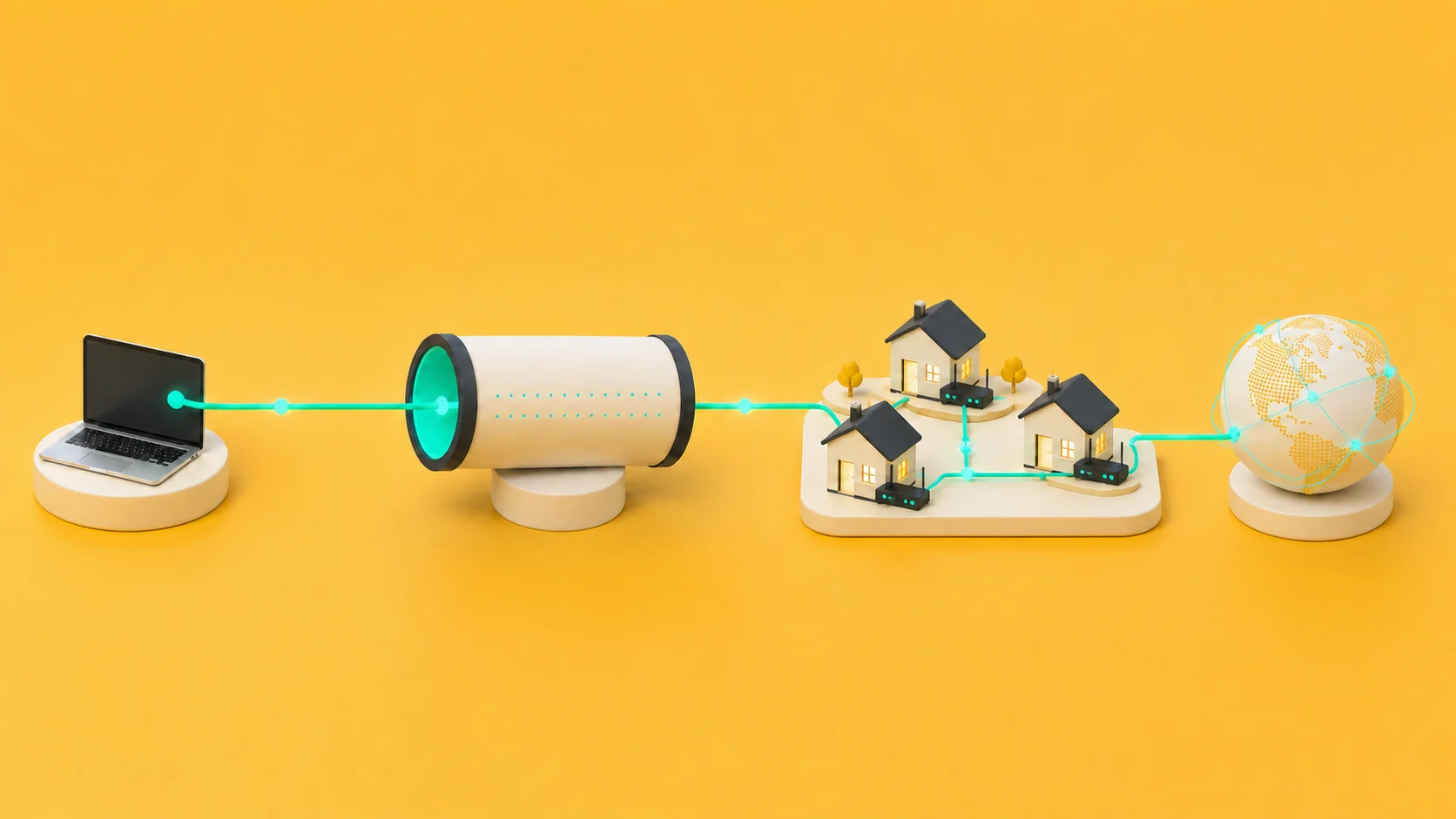
TuxlerVPN Standard on Windows is community-powered: while the free application remains installed, the device can participate in the residential network. Premium devices do not participate.
A residential VPN routes traffic through an internet connection associated with a consumer internet service provider. A datacenter VPN instead uses addresses associated with hosting infrastructure; the residential-versus-datacenter comparison explains the practical differences. In both cases, the destination normally receives the exit connection’s public IP address rather than the subscriber’s public IP address.
“Residential” describes the network associated with an exit address. Registration and commercial classification data provide a current estimate that can change as providers reassign addresses, share public addresses through carrier-grade NAT, or update how an address range is classified.
How the network works
The VPN application encrypts traffic between the device and a VPN endpoint. The network then forwards that traffic to its destination. With a community-powered residential network, participating devices supply some of the residential connectivity. The guide to how a residential IP network works shows how capacity, routing, and exit addresses fit together.
Privacy boundaries
A residential exit address changes the public network address presented by covered traffic. Accounts, cookies, browser storage, device characteristics, and information submitted to a service remain available to that service according to its normal operation.
VPN safety depends on software design, encrypted transport, maintenance, data practices, and operating controls rather than the address category alone. The dedicated guide to residential VPN safety covers those factors in a practical checklist.
A VPN protects traffic only between the device and the VPN endpoint. HTTPS remains important after traffic leaves that endpoint. Device security, multifactor authentication, software updates, and careful permissions remain necessary.
Choosing a residential VPN
Choose a residential VPN with clear privacy information, simple controls, and support for the devices you use. Clear product descriptions make it easier to select the right service and use it confidently.
WHOIS and IP-information services provide current estimates about an address, and different databases can report different classifications. Follow the residential or datacenter IP-check process and compare more than one source for a clearer view.